Survival
- Low health and hunger warnings
- Drowning detection
- Eating, sleeping, and waking up
- Damage taken, death, and harmful status effects

Your Minecraft world feels less empty now.
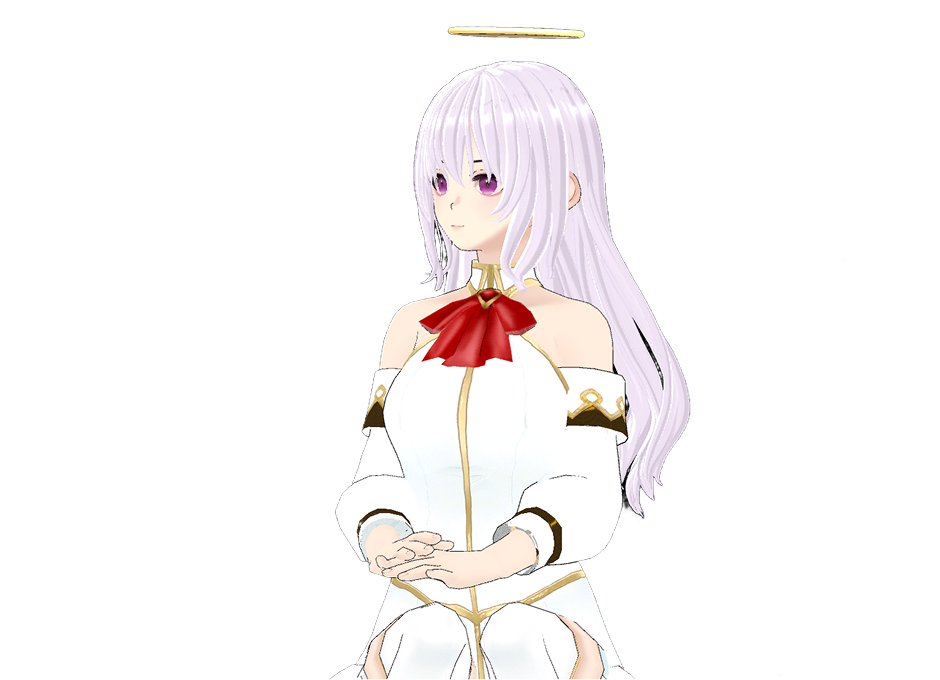
Phase Pulse connects your Minecraft gameplay to Phase Pal, a free AI desktop companion that sits on your screen, reacts to everything you do, and keeps you company while you play.
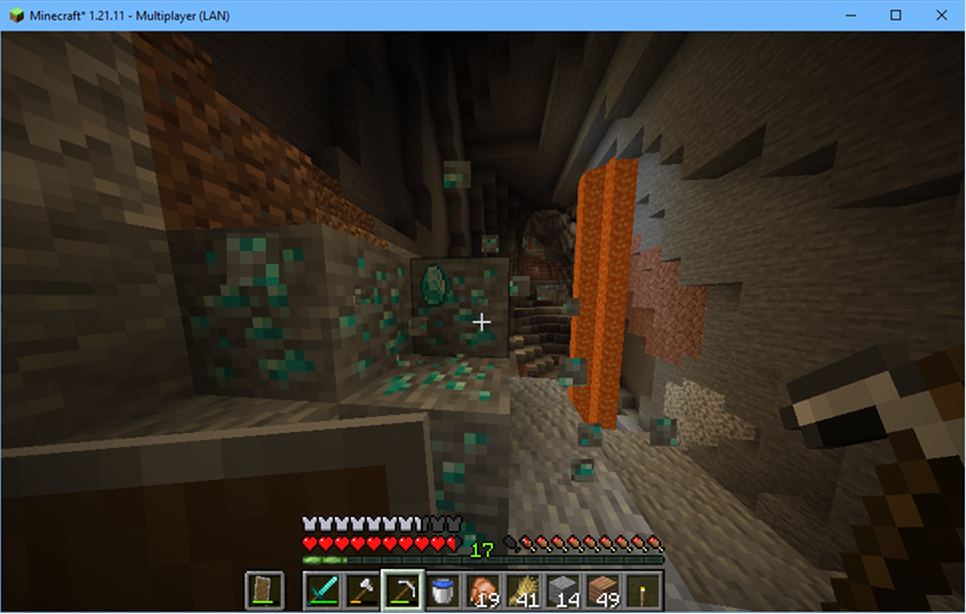
Mining diamonds? They celebrate. Low on health? They worry. Beat the Ender Dragon? They lose their mind. Never mine alone.
Phase Pulse runs quietly in the background, watching for in-game events and sending them to your Phase Pal companion over a local connection. Your Pal reacts in real time with expressions, chat bubbles, and, if you enable AI mode, full contextual commentary.
No tab-switching. No interruptions. Just company.
Phase Pulse tracks 35+ gameplay moments and keeps your companion in sync with your world.
Use the /pal command without leaving the game.
/pal hello!
/pal what should I do next?
/pal speak Check out this build!
/pal <message>: Send a message to Phase Pal/pal speak <message>: Have Phase Pal speak your message aloudWorks in both singleplayer and multiplayer.
Fast, offline, and unlimited. Your Pal shows quick reactions with mini chat bubbles and facial expressions. No AI quota used.
Your Pal sees your screen and gives personalized, context-aware commentary. Responses appear in the full chat window and are saved to your conversation history.
Switch between modes in Phase Pal settings under Phase Pulse AI Mode.


This mod does nothing on its own. It sends gameplay events to Phase Pal. If Phase Pal is not running, the mod silently waits for a connection.
.jar into your mods folder.Phase Pulse communicates only with your local machine (127.0.0.1). No gameplay data leaves your computer unless AI Mode is used through Phase Pal.
localhost over TCP port 32145.If you have connection issues, ensure TCP port 32145 is not blocked by firewall software.
Make sure Phase Pal is running before you launch Minecraft. The mod auto-connects on startup.
Check that the mod is loaded in your Fabric mod list and sendChatMessages is enabled in config/phasepulse.json.
The mod has built-in rate limiting. You can disable specific event categories in the config file.
Ensure you are signed into Phase Pal, have proactive quota available, and the AI Mode toggle is enabled in settings.
Install Phase Pulse, launch Phase Pal, and turn every Minecraft session into a shared adventure.